

Phomemo M832 Bluetooth Inkless Portable Printers & 1 Carrying Case, Wireless for Travel
Product details
| Management number | 208611545 | Release Date | 2026/03/22 | List Price | $35.19 | Model Number | 208611545 | ||
|---|---|---|---|---|---|---|---|---|---|
| Category | |||||||||
Phomemo M832 Bluetooth Inkless Portable Printers & 1 Carrying Case, Wireless for Travel
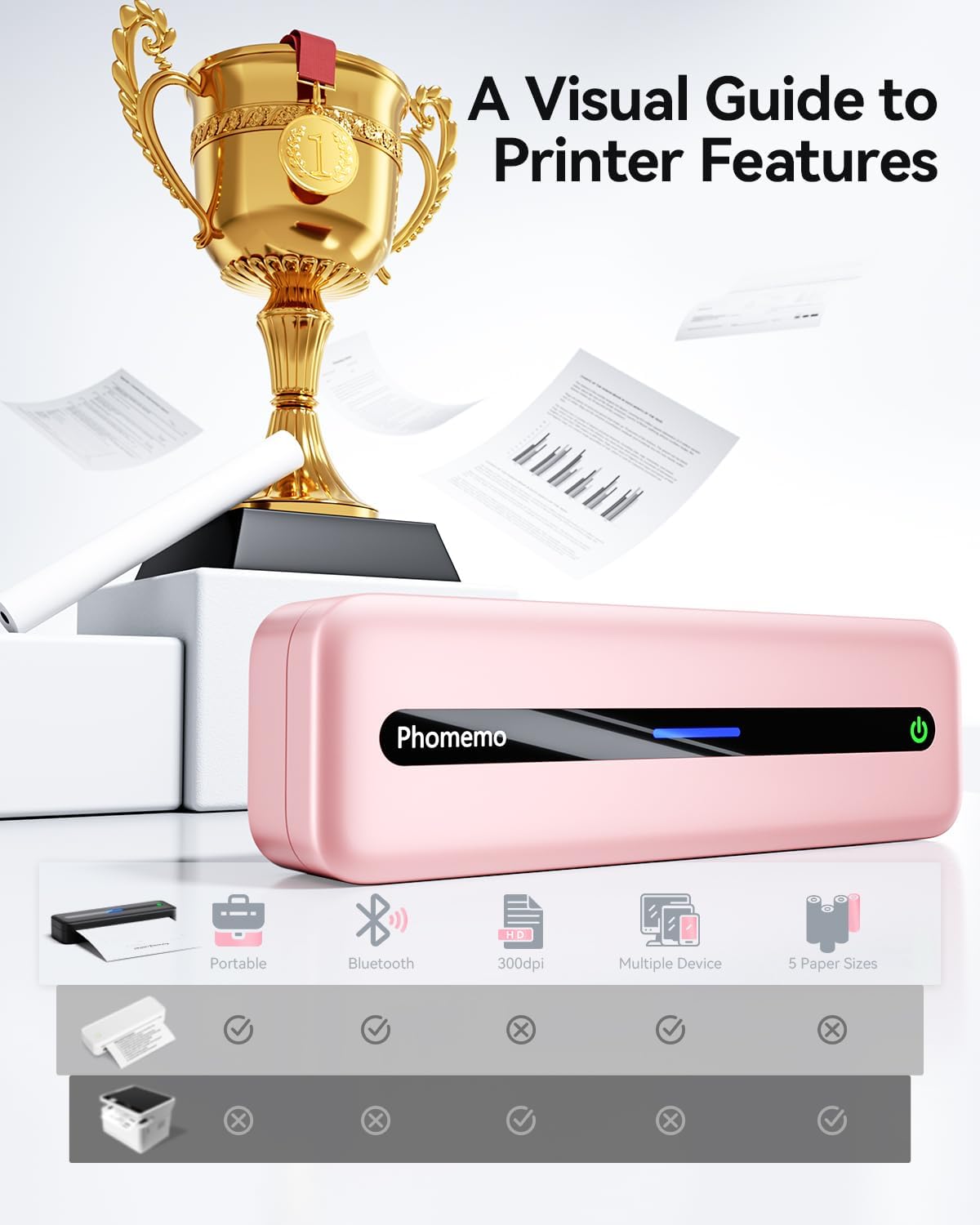
- Wireless & Portable Printing Anywhere - Meet the most portable wireless printer for travelers: Connect via Bluetooth to iOS/Android in 10 seconds (Phomemo App required). No ink, no cables – just thermal paper and your phone. Print 8.5''x11'' US Letter/A4 documents anywhere, from airport lounges to roadside trucks. ★Bonus: Built-in paper bin holds 50 sheets for on-the-go printing
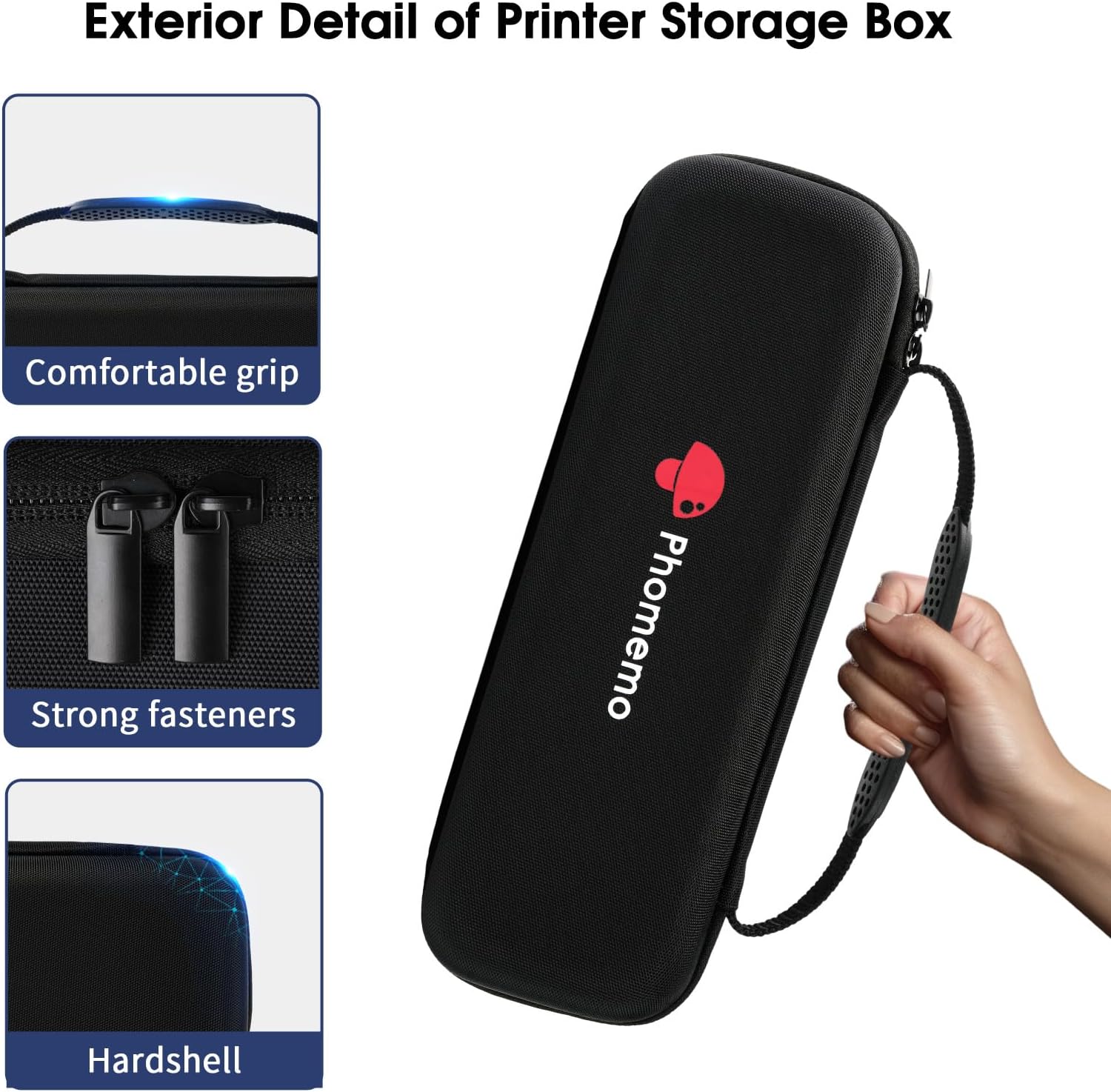
- Optimal Printer Defense: Phomemo Carrying Case provides optimal defense for your printer, thanks to its padded interior and durable exterior. It acts as a reliable barrier against any potential harm, ensuring your printer remains in pristine condition
- Inkless Printing Technology Saves 80% Cost -Stop buying ink cartridges! Our thermal technology eliminates ink, toner, and ribbons. Simply load affordable thermal paper (5 sizes supported: 8.5''x11''/A4/4.33''/3.14''/2.08''). Save $300+/year vs traditional printers – perfect for students and small businesses
- Easy to Use - The App "Phomemo"requires no registration and free template, no ink or toner needed, printing documents, reports, forms, letters, assignments, and study materials more economical than the ink costs of inkjet printers.
- Phone and Tablet Start Print - Step 1: Download the App 'Phomemo'. Step 2: Turn on the M832 printer and your phone's or tablet's Bluetooth. Step 3: Click the 'Printer' icon in the App to search for the M832 portable printer, connect it via Bluetooth in the App, and select the paper size and file type to start printing






Bestseller ranking
Portable Photo Printers


Customers who viewed this product also viewed
Chargers



Correction of product information
If you notice any omissions or errors in the product information on this page, please use the correction request form below.
Correction Request Form