

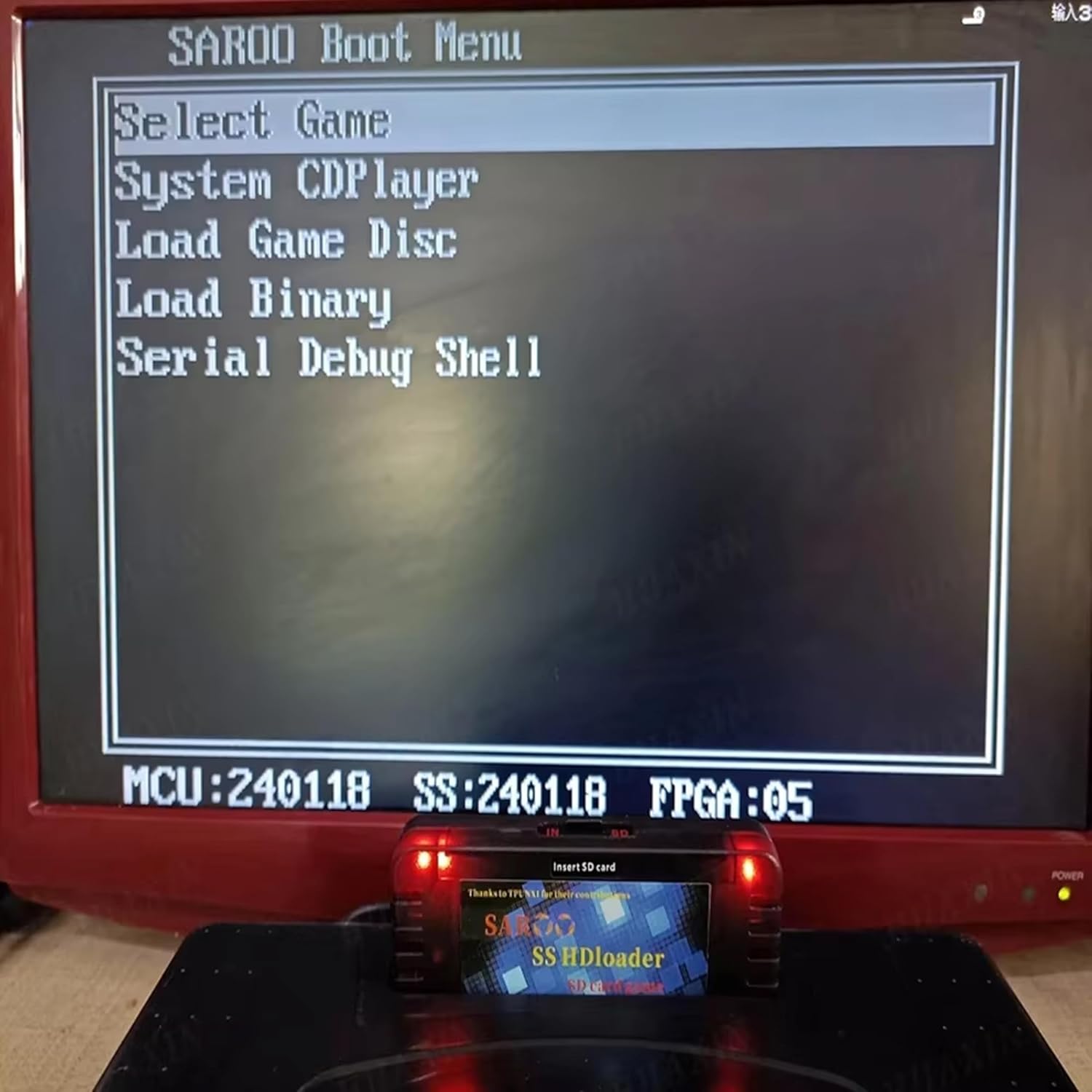
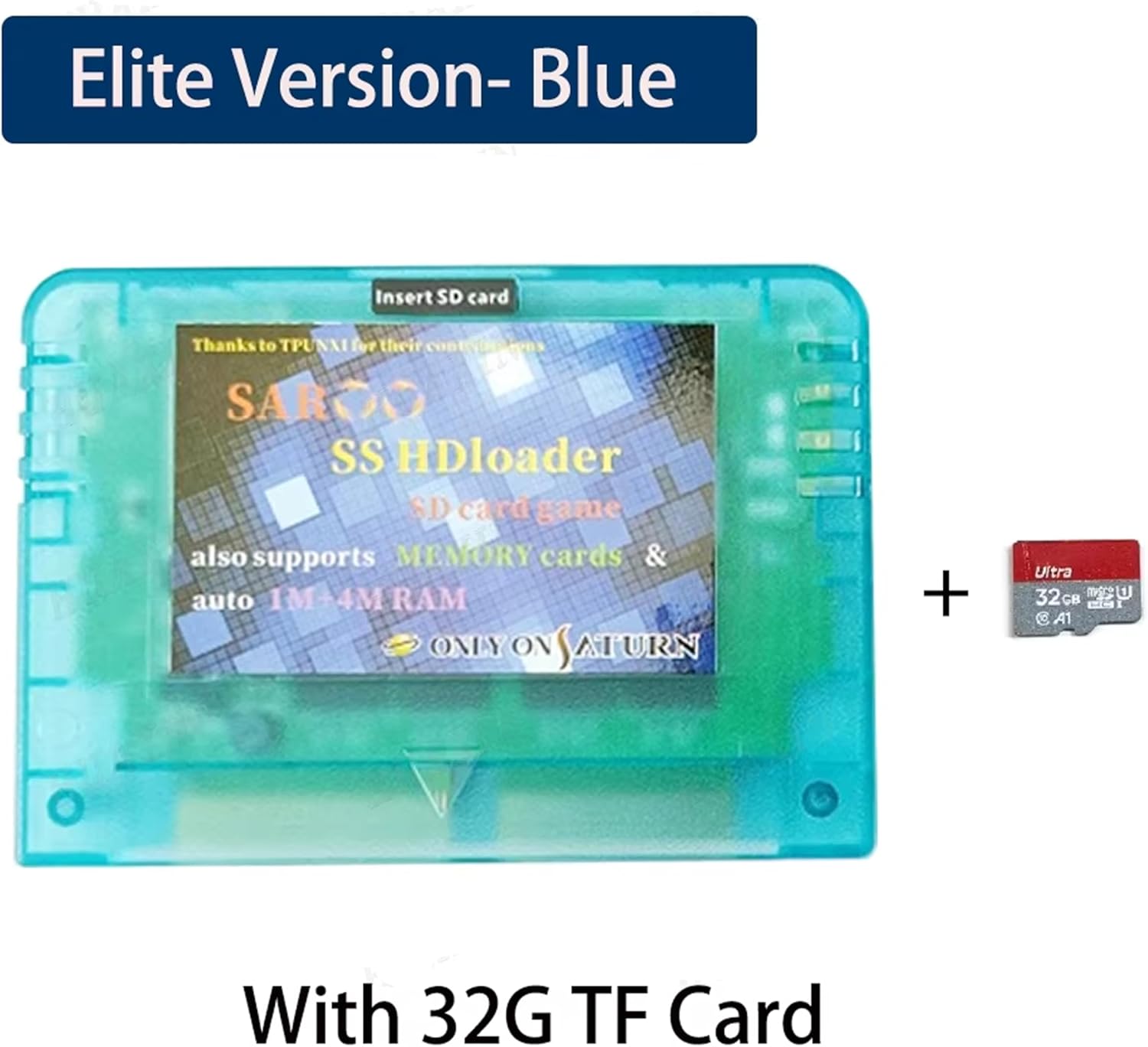
New SAROO SS HDloader Game Reader Cartridge Fast Reading Card Support SD TF Menory Cards Play Games Without CD for Saturn with Beveled Socket(Elite Version 32G)
Product details
| Management number | 208640456 | Release Date | 2026/03/22 | List Price | $24.80 | Model Number | 208640456 | ||
|---|---|---|---|---|---|---|---|---|---|
| Category | |||||||||
- COMPATIBILITY: Designed specifically for Saturn console, supports SD card games and memory cards
- MEMORY SUPPORT: Features auto 1M-4M RAM functionality for enhanced gaming performance
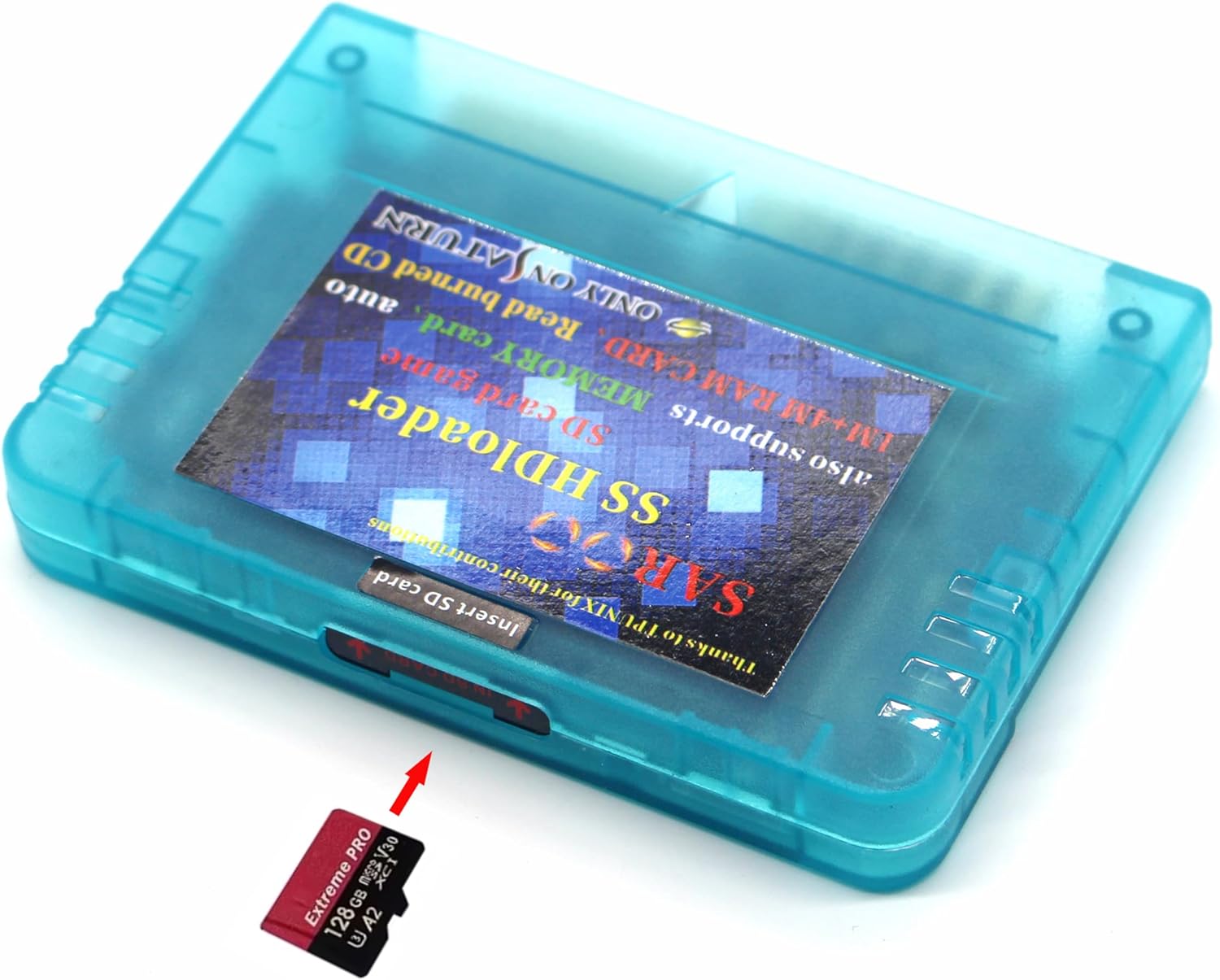
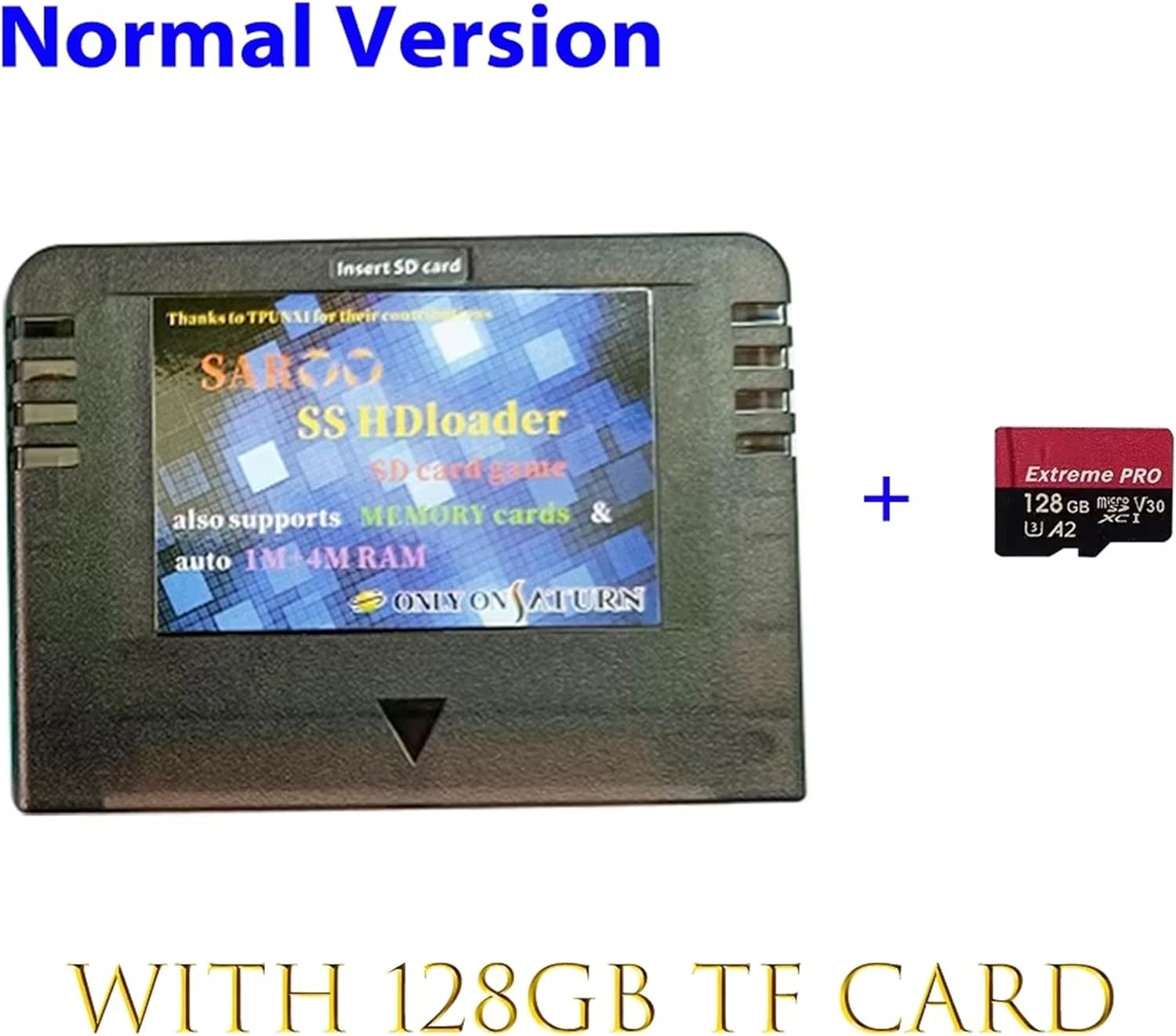
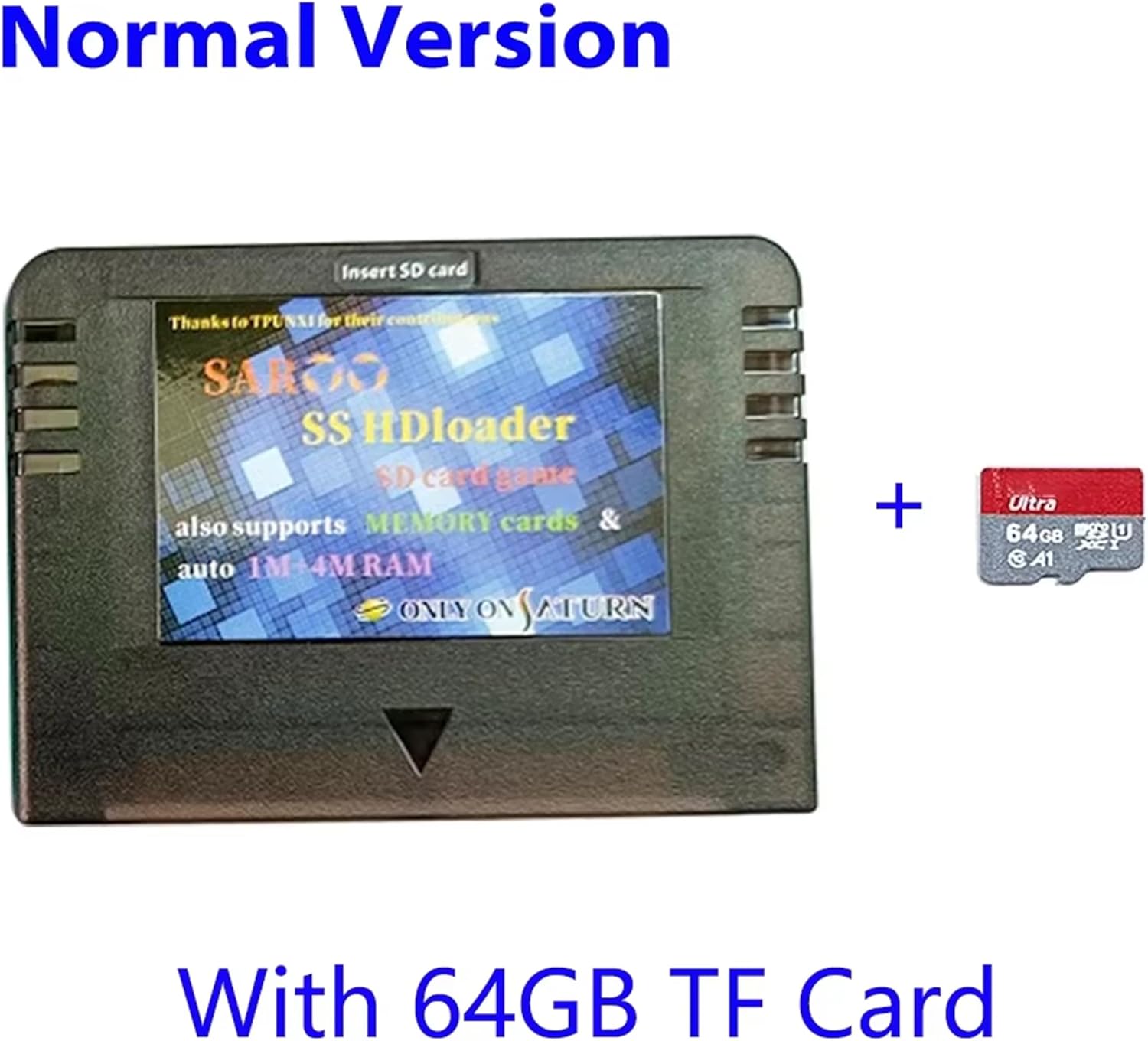
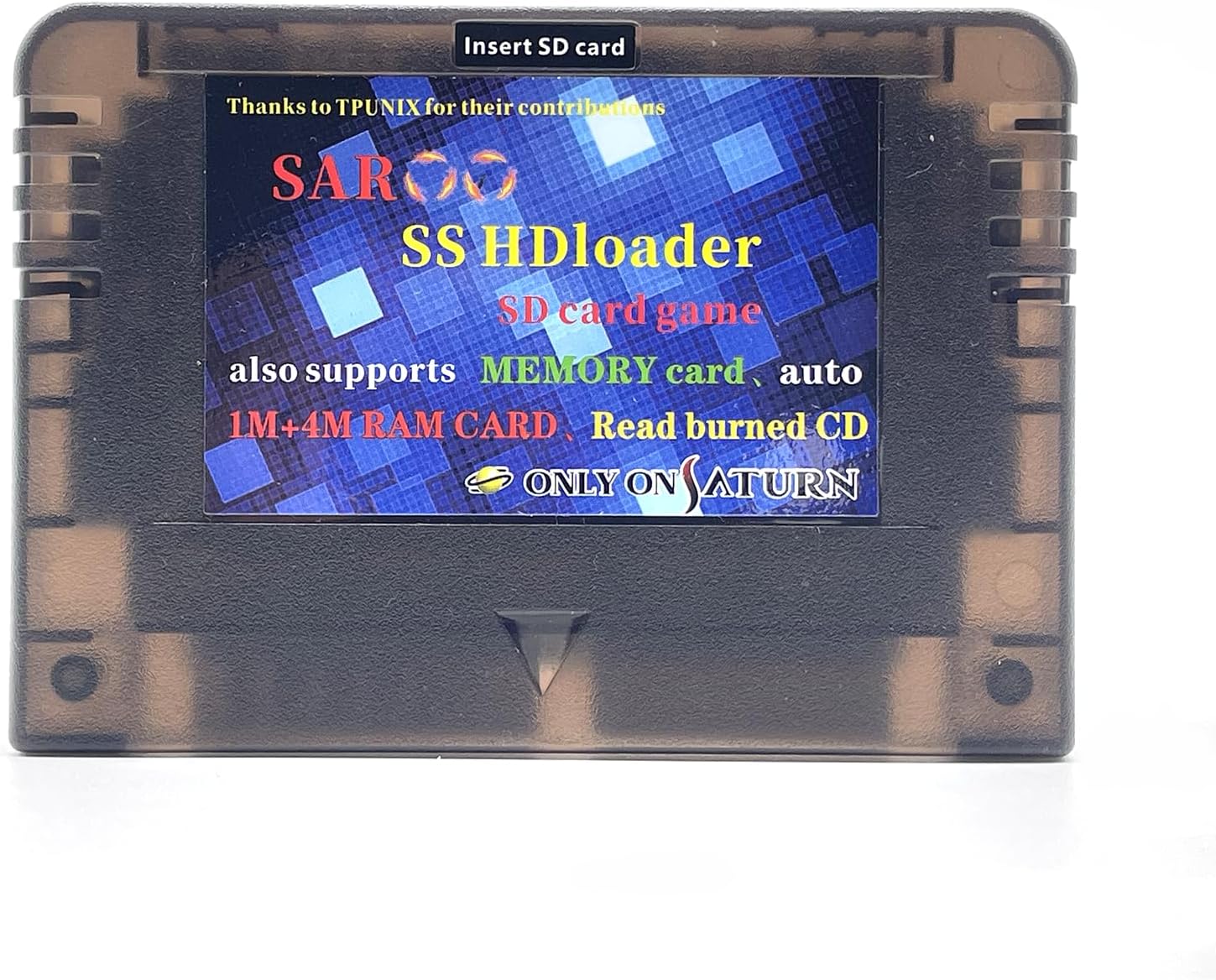
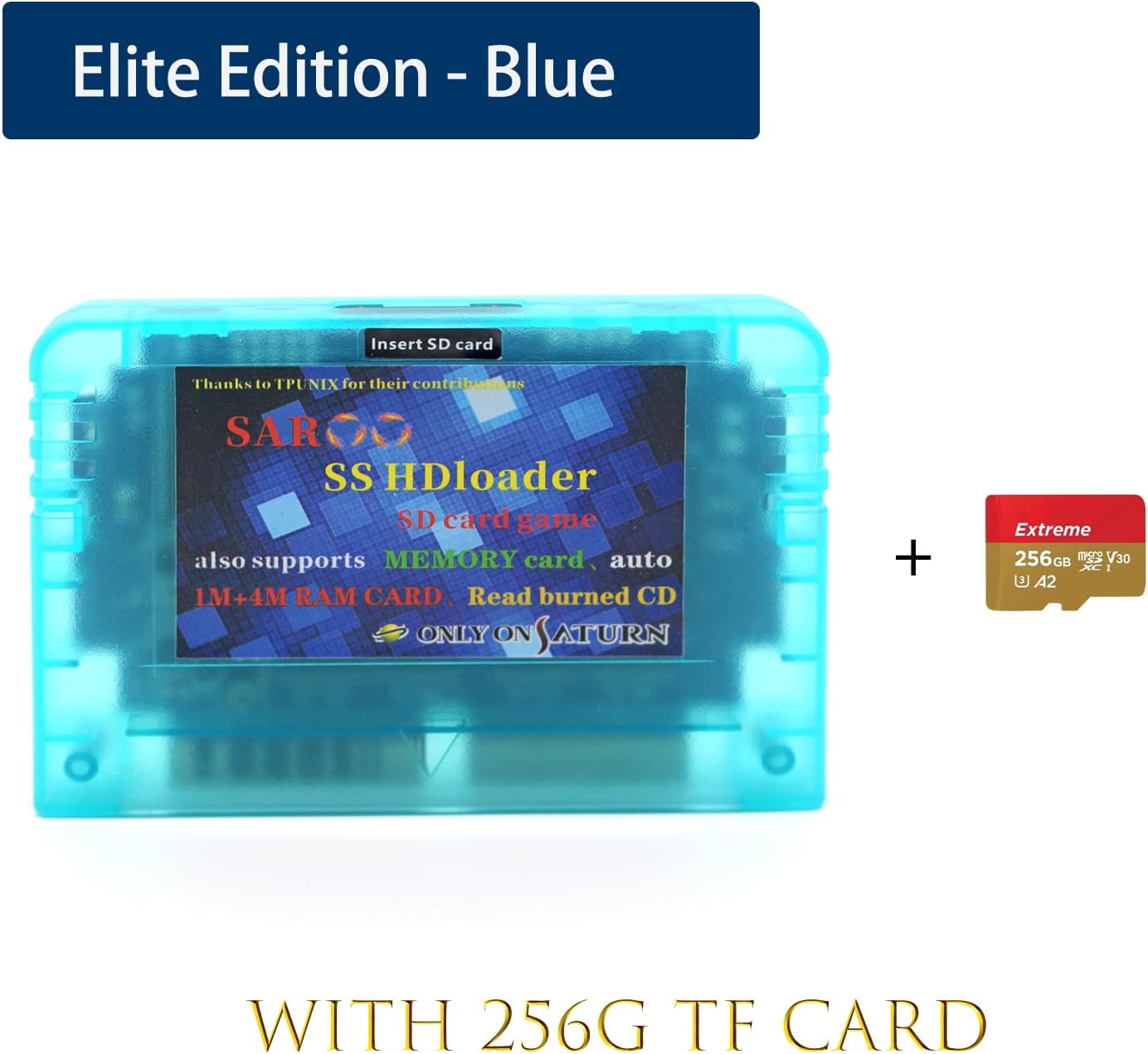
- DUAL COLOR OPTIONS: Available in classic black or translucent turquoise design for personal preference
- EASY ACCESS: Convenient SD card slot placement allows quick game loading and storage management
- COMPACT DESIGN: Slim profile cartridge form factor maintains consistent look with original hardware
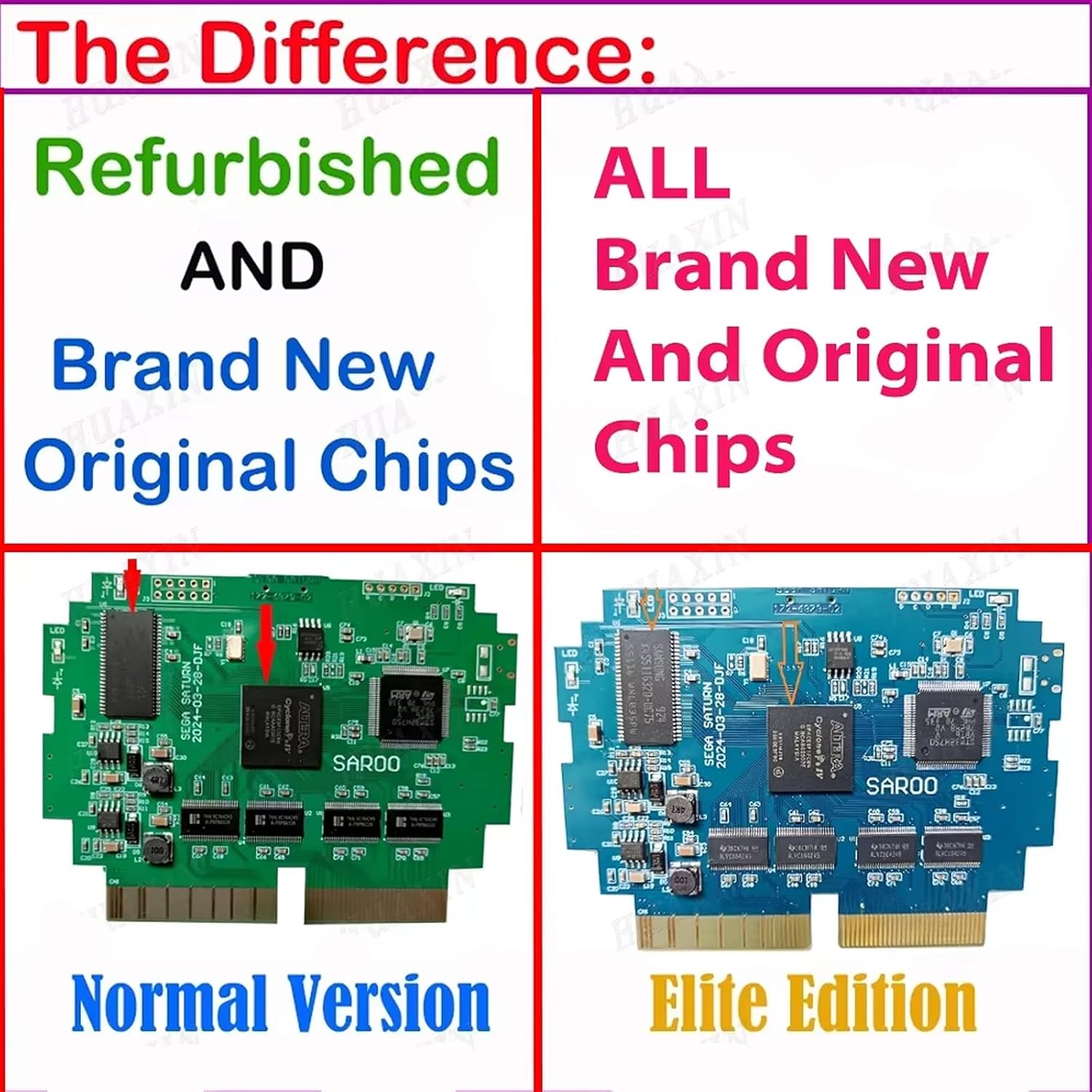
- The Normal version uses three kinds refurbished chips, while the Elite version uses brand new original chips. There is no difference in other versions. The blue circuit board is the elite version, and the green circuit board is the Normal version.
- The latest 2025 version, there are new versions that can be upgraded on their own and can be accessed at Website download, the current version supports over 90% of most games. Equipped with RAM card and memory card functions, supporting all RAM card games.
- The SD card supports FAT32 and exfat formats. The game image file needs to be in BIN/CUE format and needs to be placed in a folder format in an ISO file. It is recommended to use UltraISO software for image creation or format conversion. When running the game and encountering game lag, crashes, or abnormal background sound, the image should be changed to a different production or conversion software, other game versions can be changed, a higher speed SD card can be replaced, or the downloaded image should be checked for any issues using the Saturn emulator
- When playing multi disc games and encountering the inability to change discs, you can use the Saturn emulator to read records and change discs. When the cartridge is inserted into the card slot of the machine and cannot start the menu, it is difficult to recognize the cartridge. Insert the cartridge to the bottom and lift it up a bit to the left or right, or use cards or other materials to cushion the front or back. This is a common problem in the design of the machine's card slot. Please understand!










Bestseller ranking
Memory Card Readers



Customers who viewed this product also viewed
Blankets




Correction of product information
If you notice any omissions or errors in the product information on this page, please use the correction request form below.
Correction Request Form