
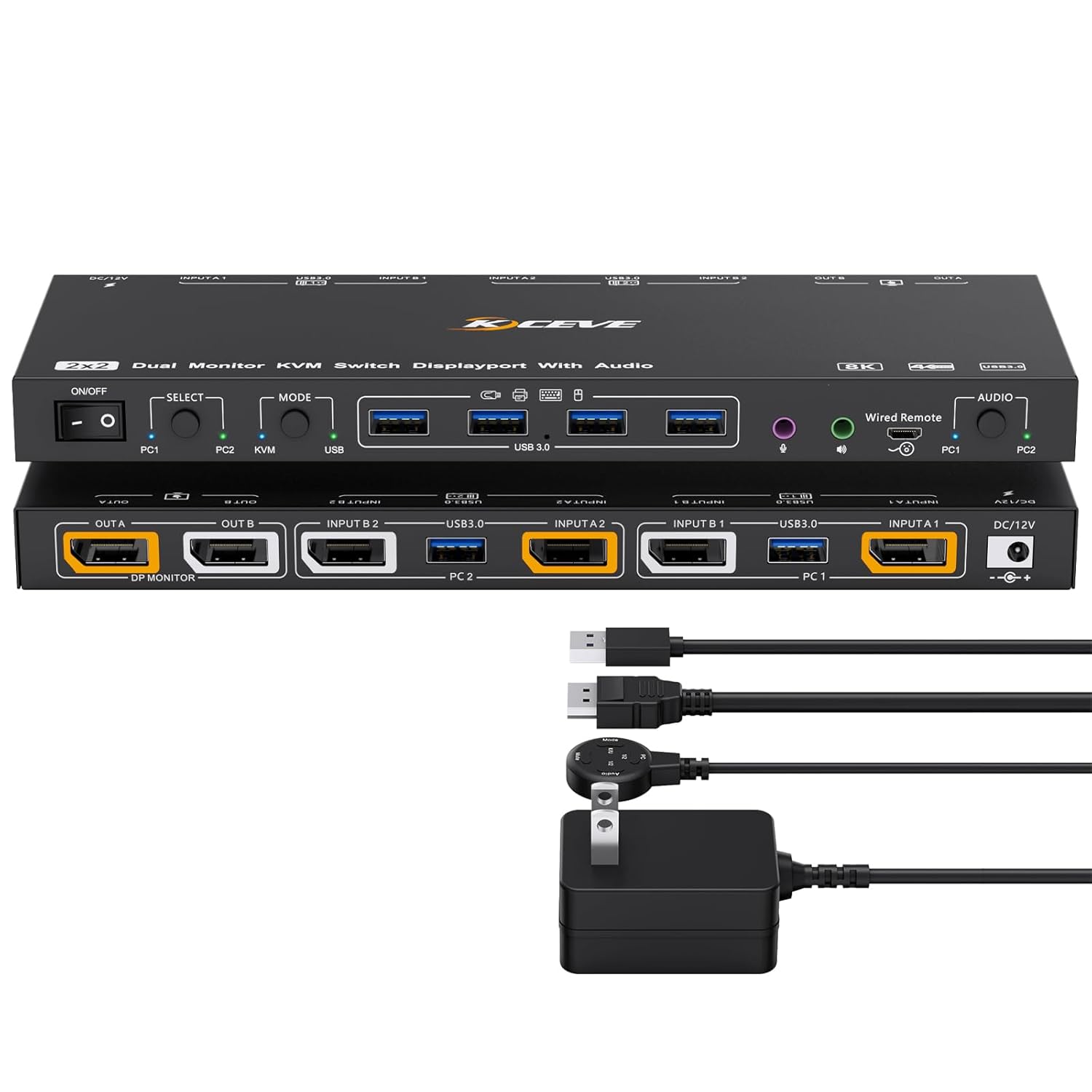
KVM/USB Mode KVM Switch 2 Monitors 2 Computers with Audio, ANXQQ 8K@30Hz 4K@144Hz USB 3.0 Dual Monitor KVM Switch Displayport, Share 4 USB Devices with Wired Control and Power Adapter
Product details
| Management number | 208627652 | Release Date | 2026/03/22 | List Price | $22.40 | Model Number | 208627652 | ||
|---|---|---|---|---|---|---|---|---|---|
| Category | |||||||||
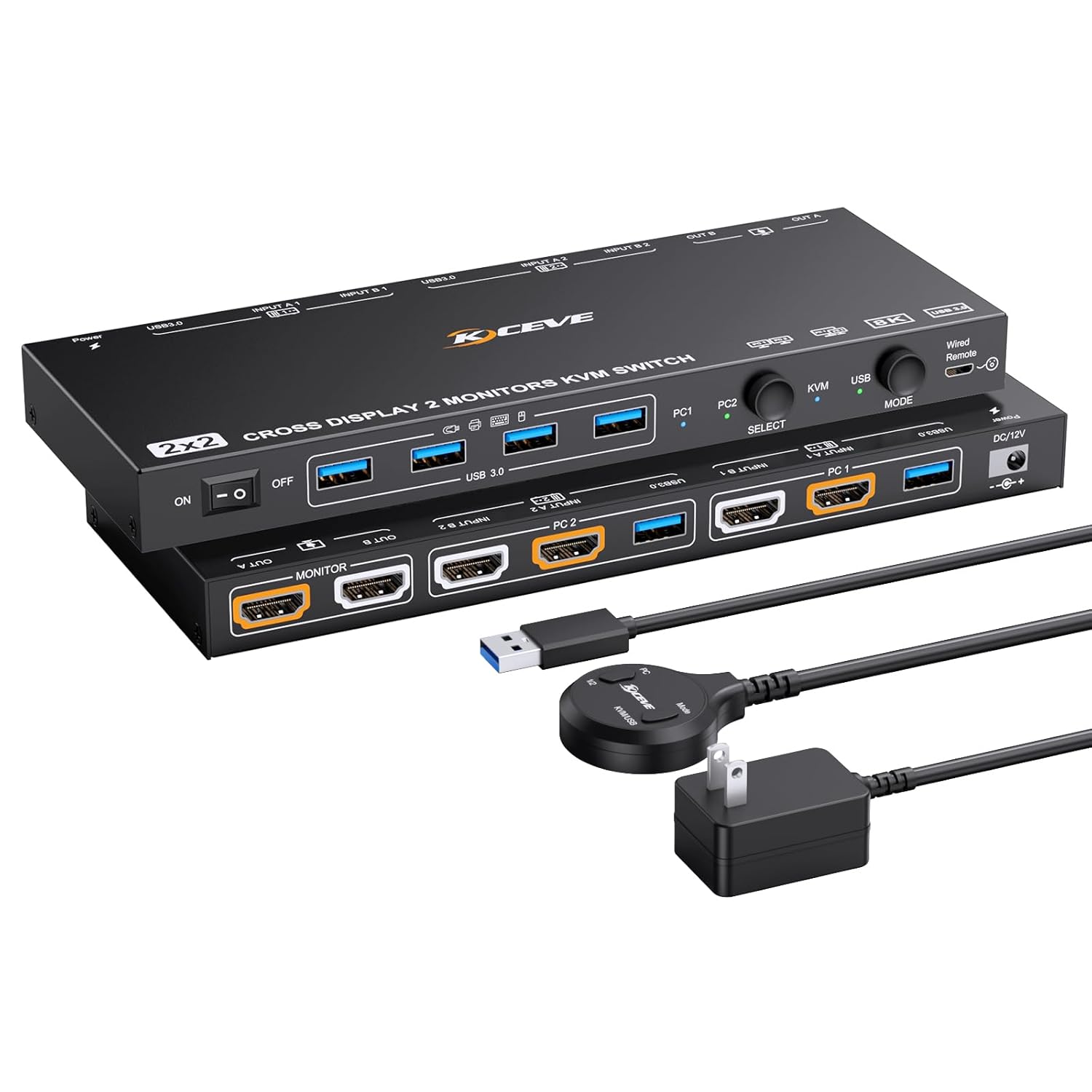
- 【Dual-Mode KVM switch 2 monitors 2 computers Displayport with Audio】Newly upgraded! With this KVM Switch Displayport, not only can you share two monitors and four USB devices between two computers as before, you are free to choose the KVM/USB mode and also the computer that outputs the audio, no longer fixed as before. Adding a sense of freedom to neatness and efficiency, this dual monitor kvm is really a perfect choice!
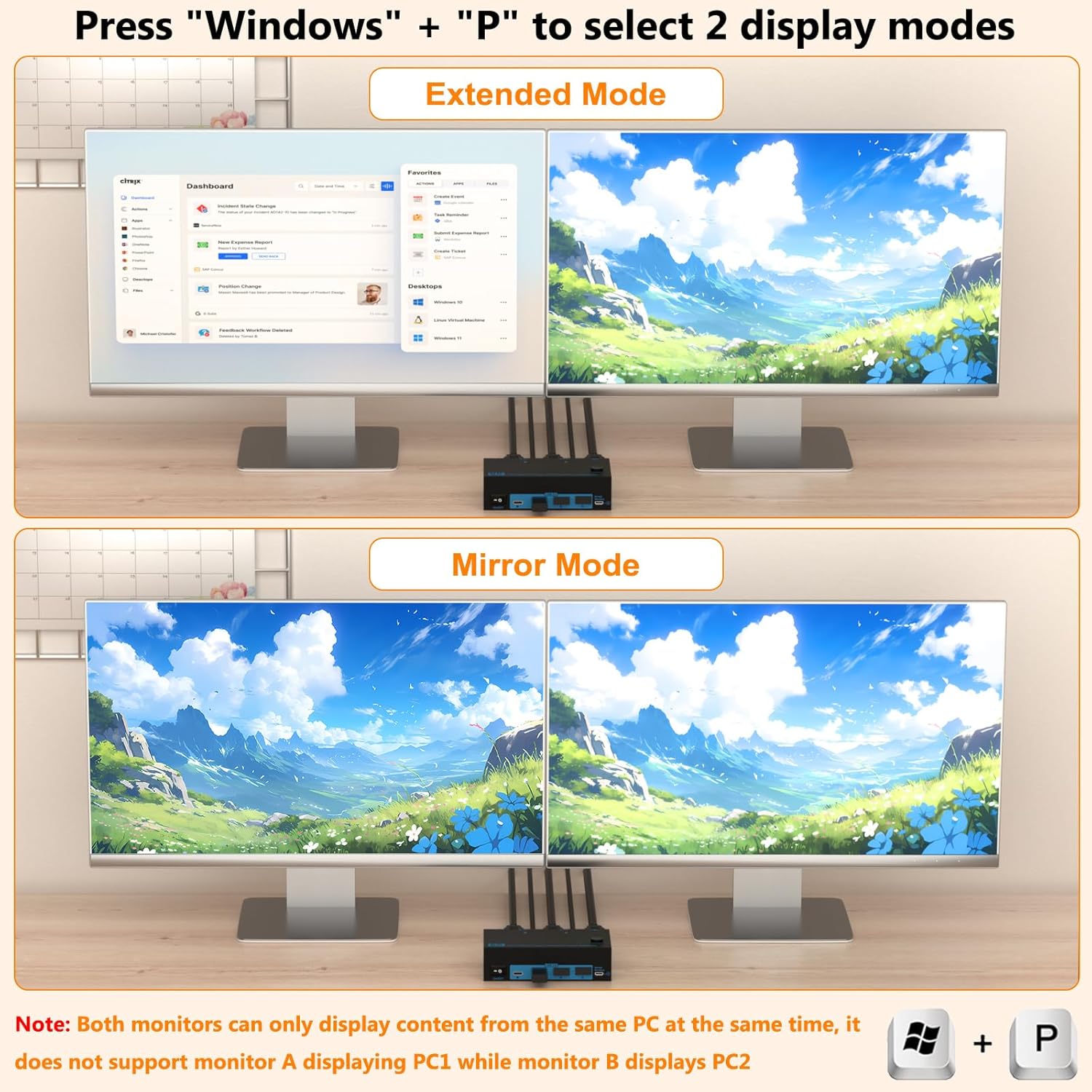
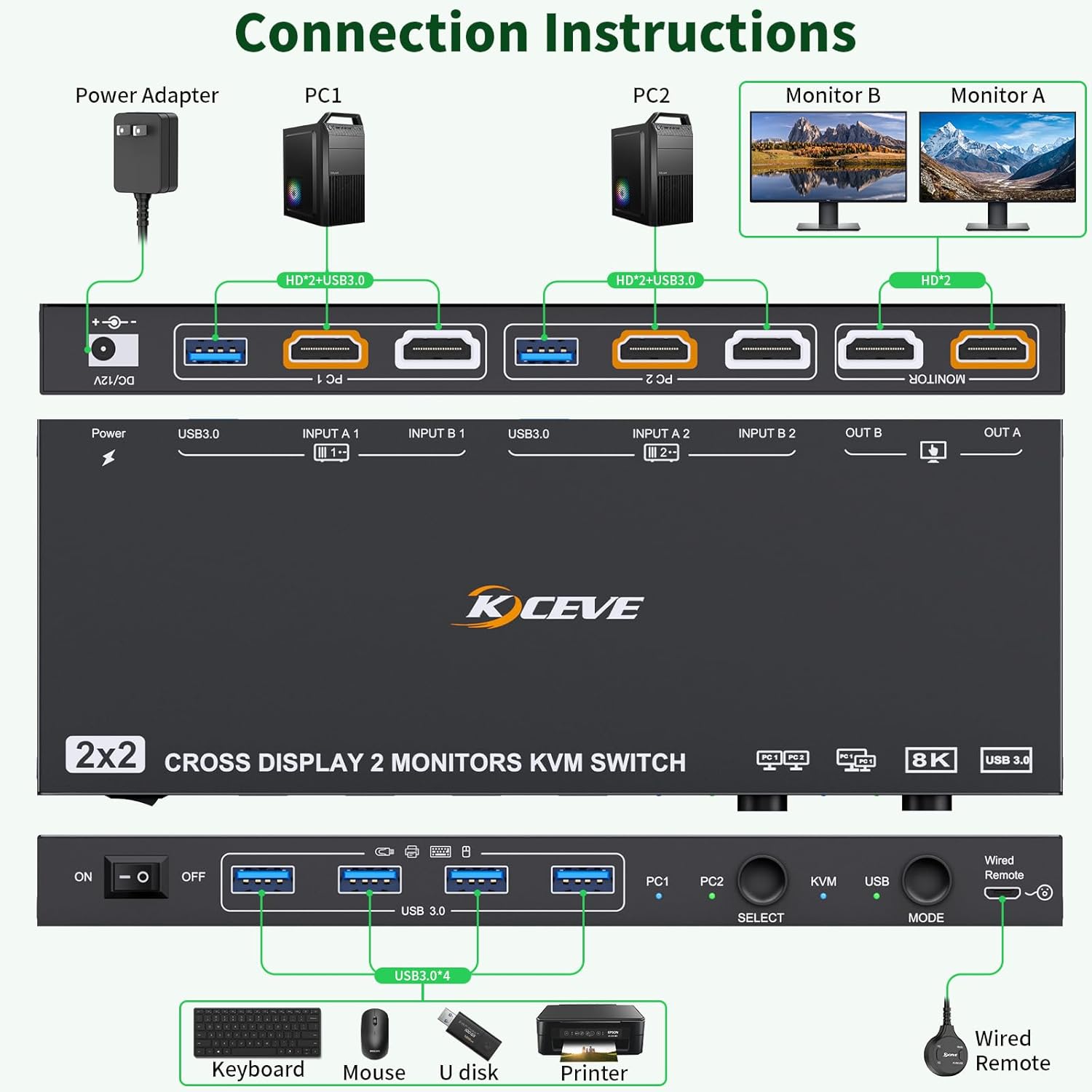
- 【Two Customized Usage Modes】KVM Mode: two monitors simultaneously display only the content from the same computer, at this time the product is both a monitor switch and a USB switch. You can also press ”Windows”+”P” to choose mirror/extended mode. USB Mode: monitor 1 displays content from PC1 and monitor 2 displays content from PC2, which is equivalent to a USB switch. Freely switch between the functions you want at any time, displayport kvm is really a wise choice!
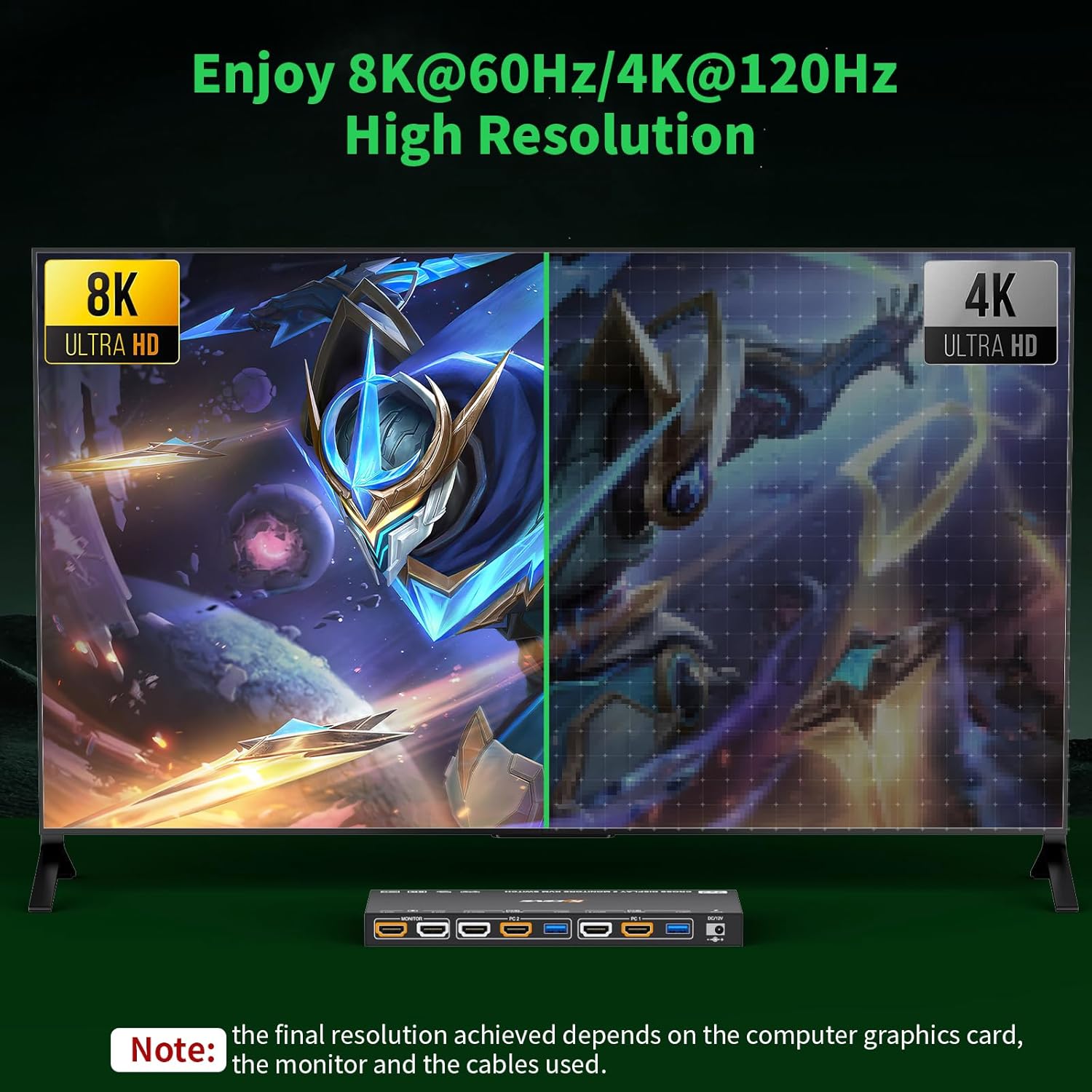
- 【Immerse yourself in the stunning world of 8K】Unlike 4k KVM switch, it is a superior level of enjoyment! Equipped with DP1.4 port for up to 8K@30Hz/4K144Hz resolution. Whether it's for office, entertainment or study you'll have a great experience. Note: Please use one meter of 8K cables for best results. Using a docking station/conversion cable may reduce the original resolution. Experience immersive effects to your heart's content, displayport switch is really a enjoyable choice!
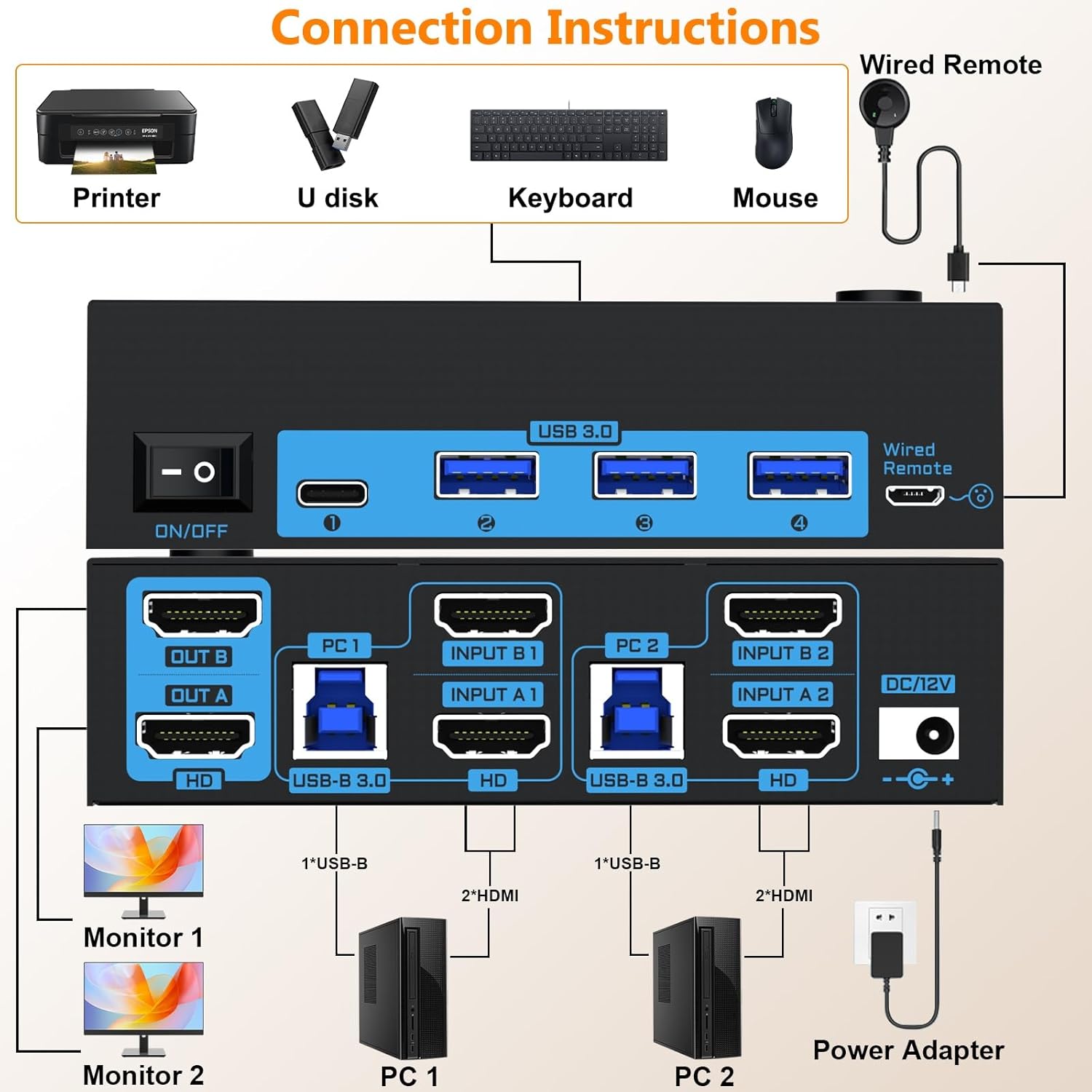
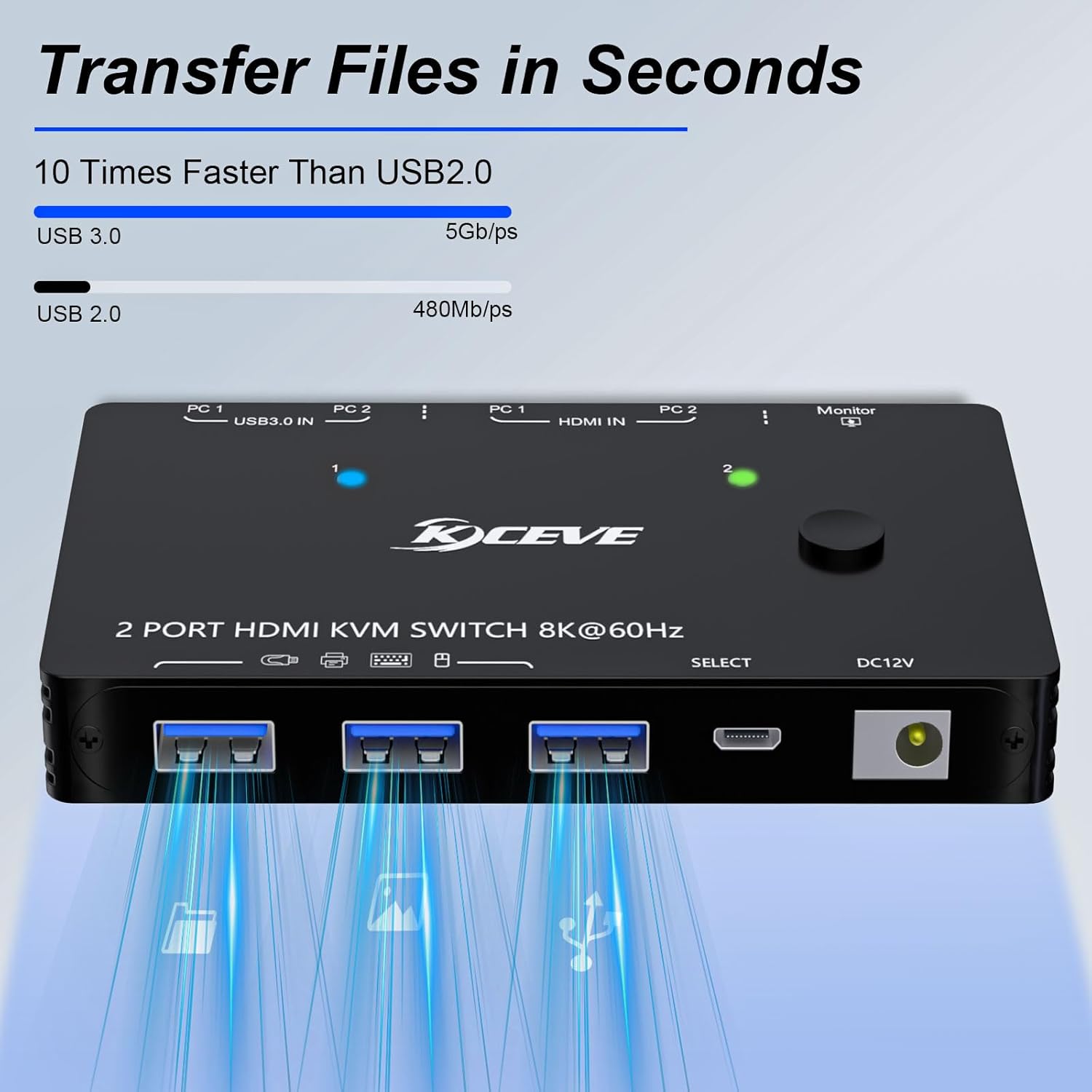
- 【5Gbps Ultra-fast USB 3.0 Data Transmission】Unlike USB 2.0, this displayport switch has ten times the speed. Whether you're transferring files, photos or other data, it's done quickly and in seconds! Works perfectly with cameras, camcorders, printers and more, kvm switch 2 monitors 2 computers display port is also backward compatible with USB 2.0 devices. Note: Each computer needs to be connected to the displayport switch with a USB cable to work properly. Greatly improve your using experience, 2 monitor kvm switch 2 computers is really a efficient choice!
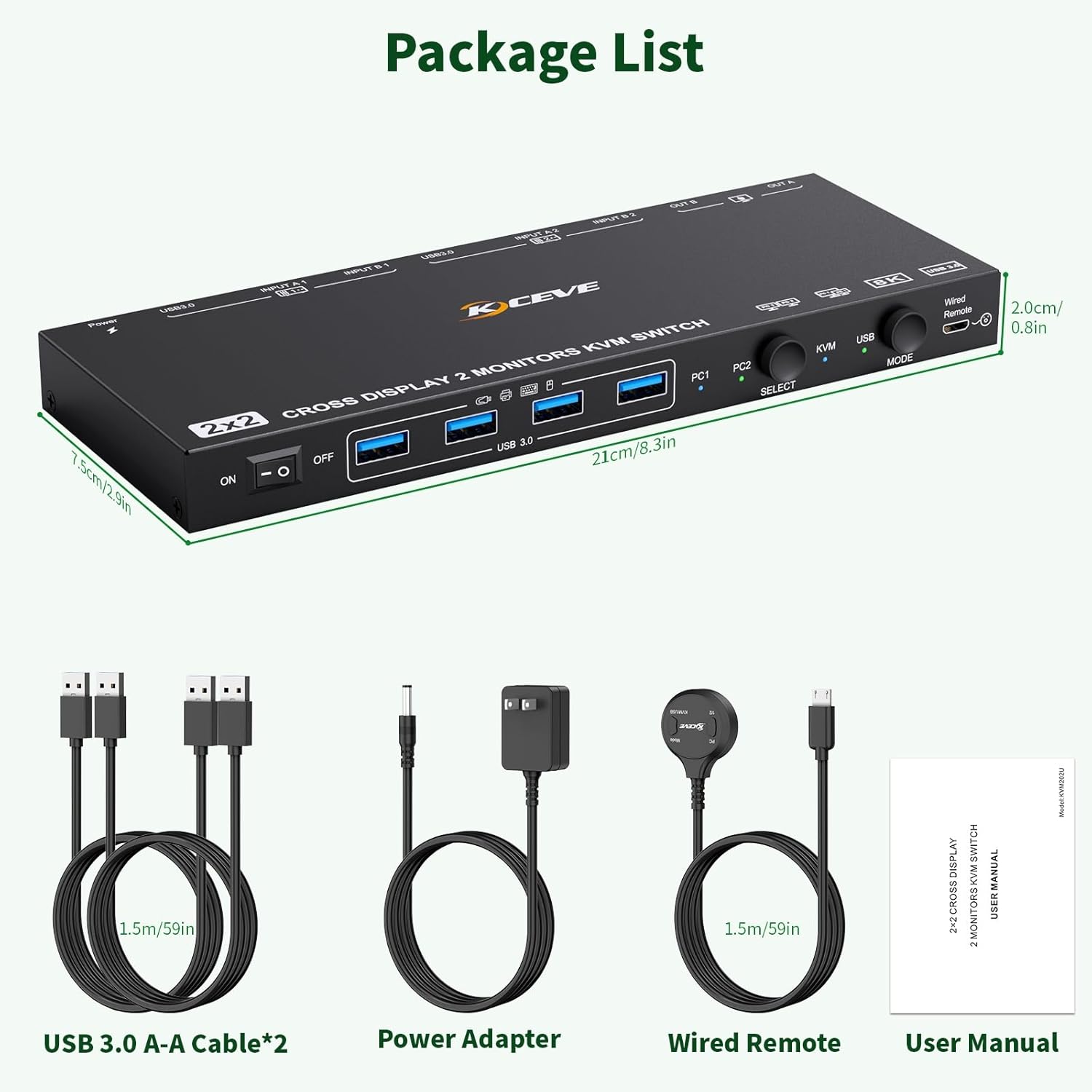
- 【Two Easy and Fast Switching Methods】KVM displayport supports both physical buttons and 1.5m wired remote switching, you can choose your favorite or the nearest method. Note: this kvm switches displayport not support keyboard hotkey control. With the customer in mind, kvm switch dual monitor is really a user-friendly choice!
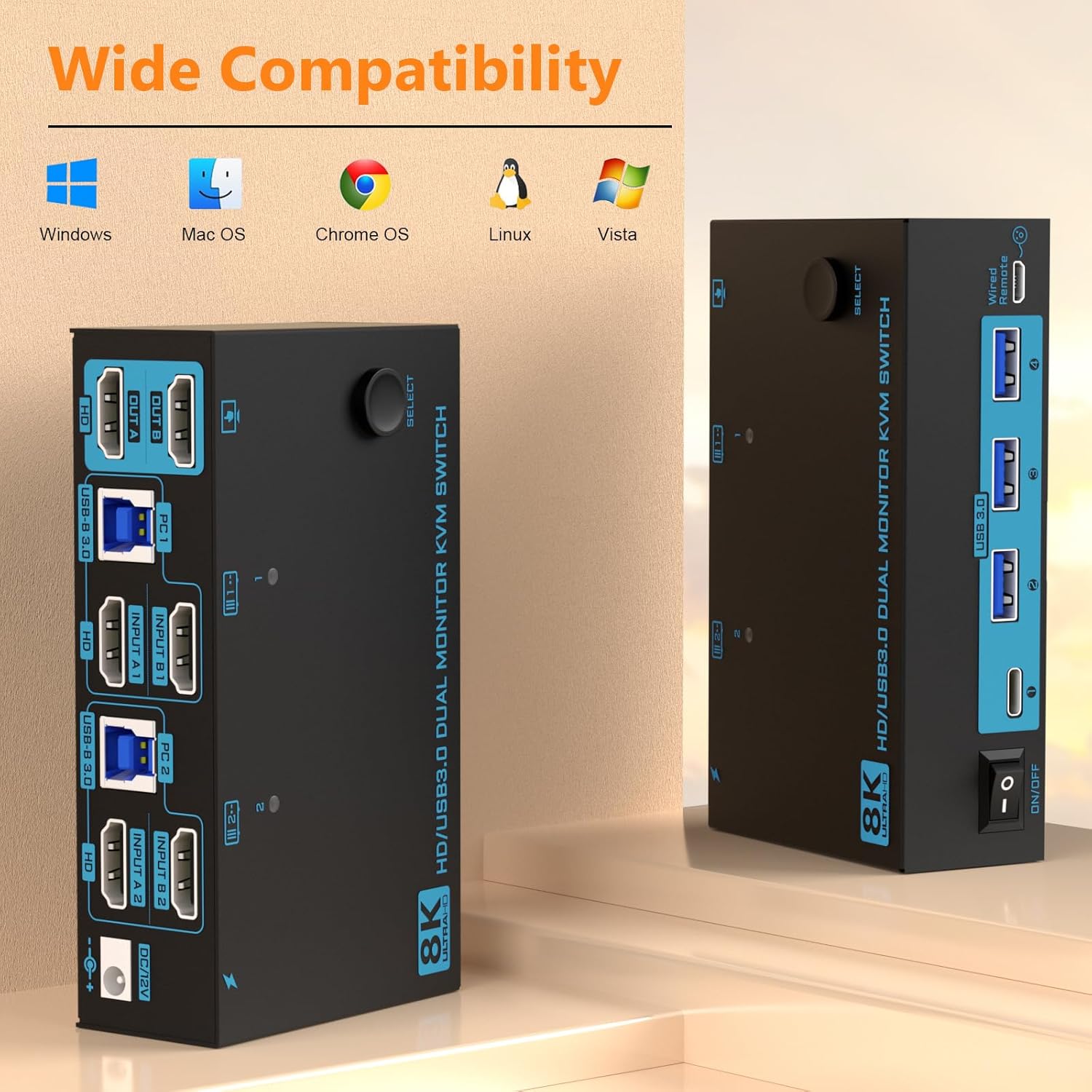
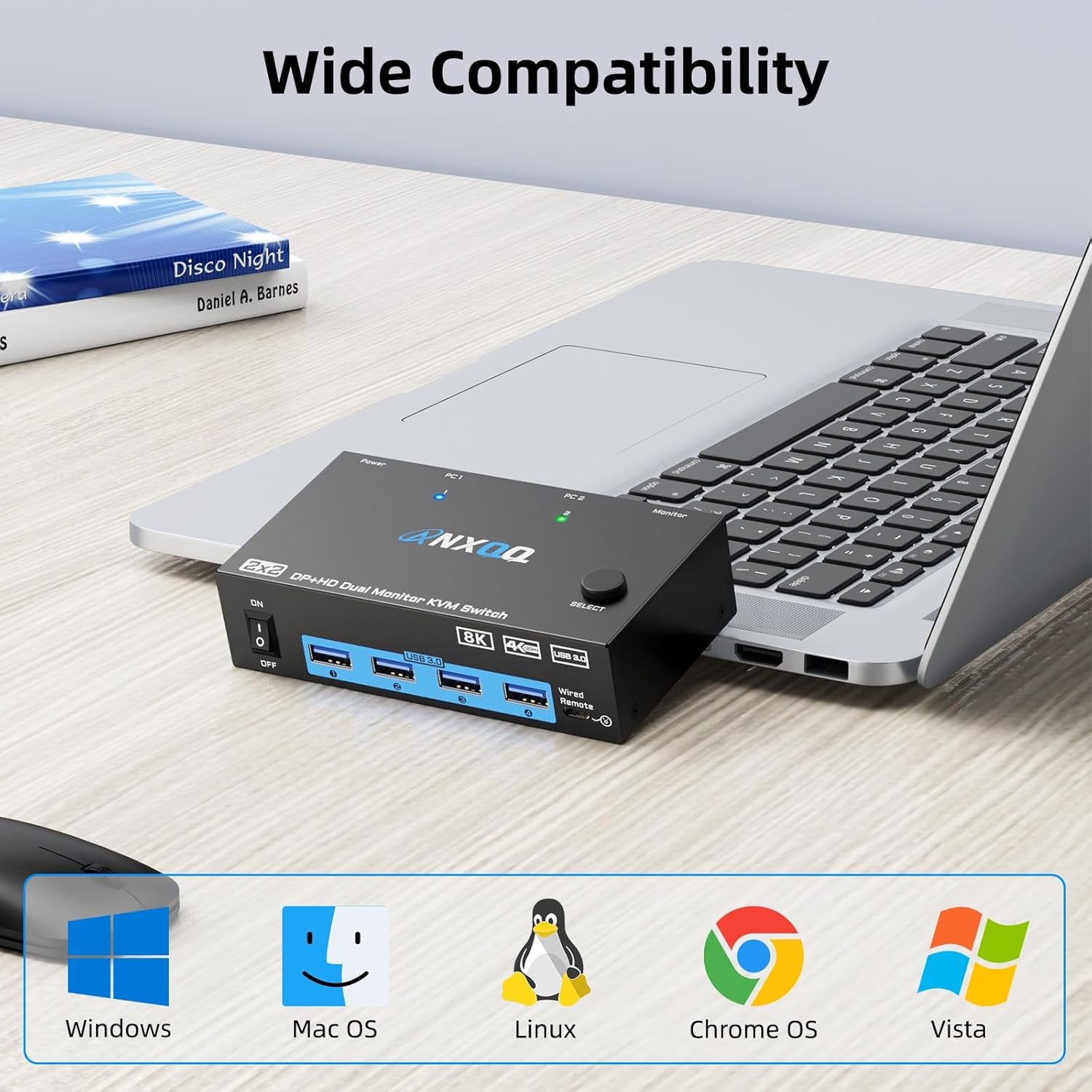
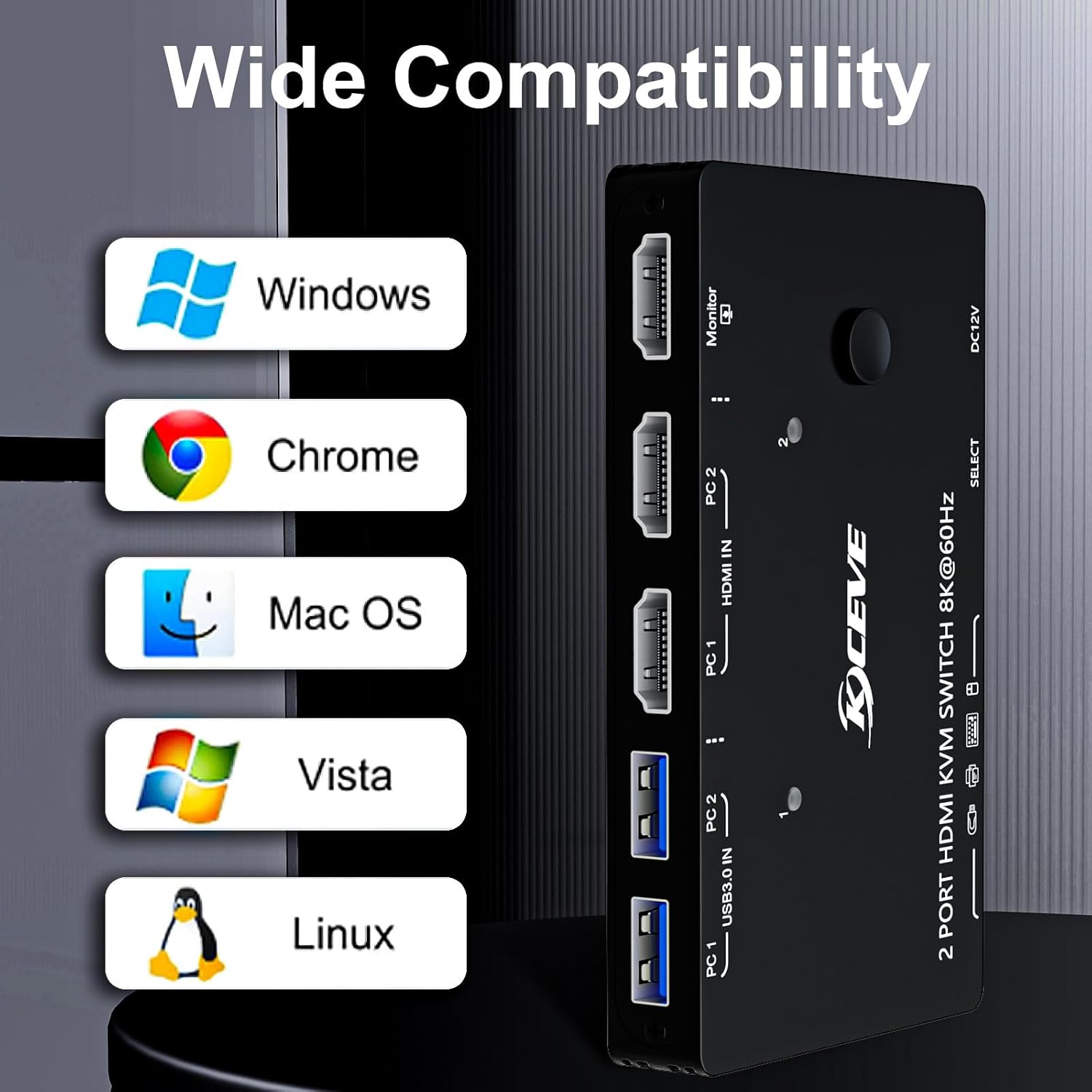
- 【Plug & Play with Universal Compatibility】No plug-ins required, this monitor switch for 2 computers is simple plug and play for any modern operating system: Windows, Mac OS, Chrome OS, and Linux computers, etc. You can press the audio button on the kvm switches dual monitor to freely select the audio output and connect your 3.5mm audio device directly to the kvm 2 monitors 2 computers displayport. Meeting the needs of most clients, dual display port kvm is really a practical choice!
- 【First-class Service Awareness】Whether it's pre-sale or after-sale, please feel free to contact us, we will be happy to serve you anytime. ANXQQ provides 12 months of after-sales service (including product replacement, technical support, etc.) You can buy our product with confidence!
- 【Note】1. Before placing an order, please connect your devices and monitors directly to ensure that multi-screen output is supported. 2. In KVM Mode, each computer require 2*DP + 1*USB connections. In USB Mode, the signal source of OUT A is INPUT A1, and the signal source of OUT B is INPUT B2,so make sure you connect INPUT A1 and INPUT B2. 3. Please connect the DC12V power supply to ensure that sufficient power can be provided.
| Manufacturer | ANXQQ |
|---|---|
| Item model number | KVM202DPU |
| Product Dimensions | 9.45 x 0.79 x 0.79 inches; 2.16 Pounds |

















Bestseller ranking
KVM Switches


Customers who viewed this product also viewed
coloring + activity books

Correction of product information
If you notice any omissions or errors in the product information on this page, please use the correction request form below.
Correction Request Form